Disconnected user experiences
Customers and employees must navigate multiple systems, leading to confusion and duplicated effort.
 Book a Systems Review ↗
Customer & Staff Portals
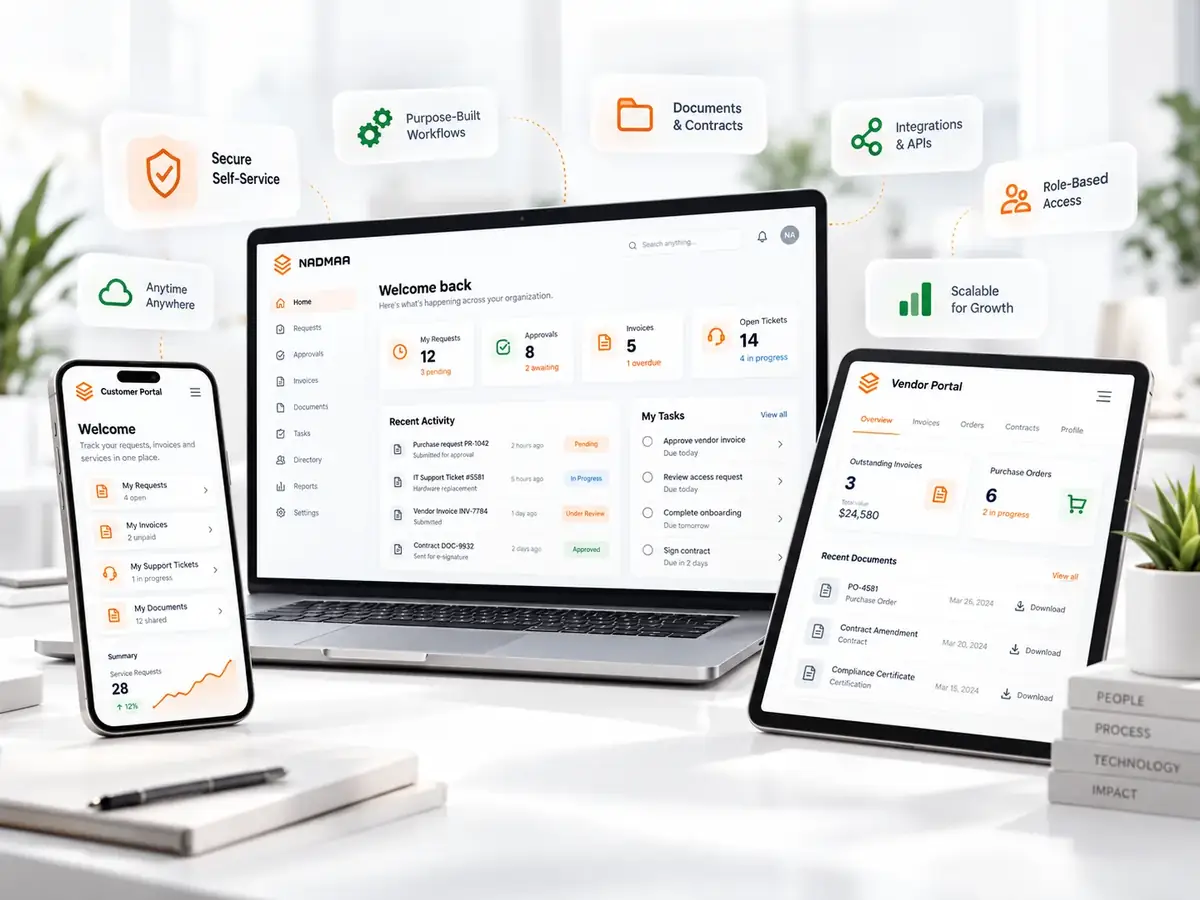
Move requests, approvals, invoices, documents and status out of scattered inboxes and into secure self-service connected to the systems behind the work.
In practical terms
We design the self-service layer around the real task: what the user needs to submit, see, approve, pay or download, and which back-office system should receive the action.
Where it helps
Customers and employees must navigate multiple systems, leading to confusion and duplicated effort.
Information entered in one system is not automatically reflected elsewhere, creating errors and extra work.
Roles are managed ad‑hoc, making it hard to enforce security policies or trace actions.
Support teams handle routine requests that could be resolved directly by users through a portal.
What the engagement can produce
A documented model of workflows, rules, handoffs, records, exceptions and permissions.
Visual designs that illustrate the user journey for both customers and staff.
A live portal built on a chosen platform, connected to ERP, CRM, payment gateways or other back‑end services.
Defined access levels and concise documentation to onboard users and administrators.
The method
Interview stakeholders, capture current workflows, and produce a detailed process map that drives all downstream decisions.
Create wireframes and interactive prototypes that reflect the mapped processes and gather feedback before any configuration begins.
Set up the portal, configure business rules, and integrate with existing systems using APIs or middleware as defined in the map.
Run functional and user‑acceptance tests, deploy to production, and provide training plus post‑launch support documentation.
Related thinking
Questions
A customer portal provides external users with self‑service functions such as order tracking or support tickets, while a staff portal offers internal users tools for task execution, data entry and reporting, each governed by distinct permission sets.
By mapping data flows during the discovery phase and then configuring real‑time integrations or synchronization jobs that respect the defined rules and exceptions.
We offer a handover package that includes documentation, training, and a defined support window for bug fixes and minor enhancements; longer‑term support can be arranged through a separate service agreement.
Calgary · Canada · North America
We will map what users should do themselves, what still needs staff control and how the portal should connect to the systems behind the work.
Book a Systems Review ↗