Spreadsheets returned
Key workflows moved back outside Odoo because the implemented process does not work well enough.
 Free 30-Min Review ↗
Odoo support & implementation rescue
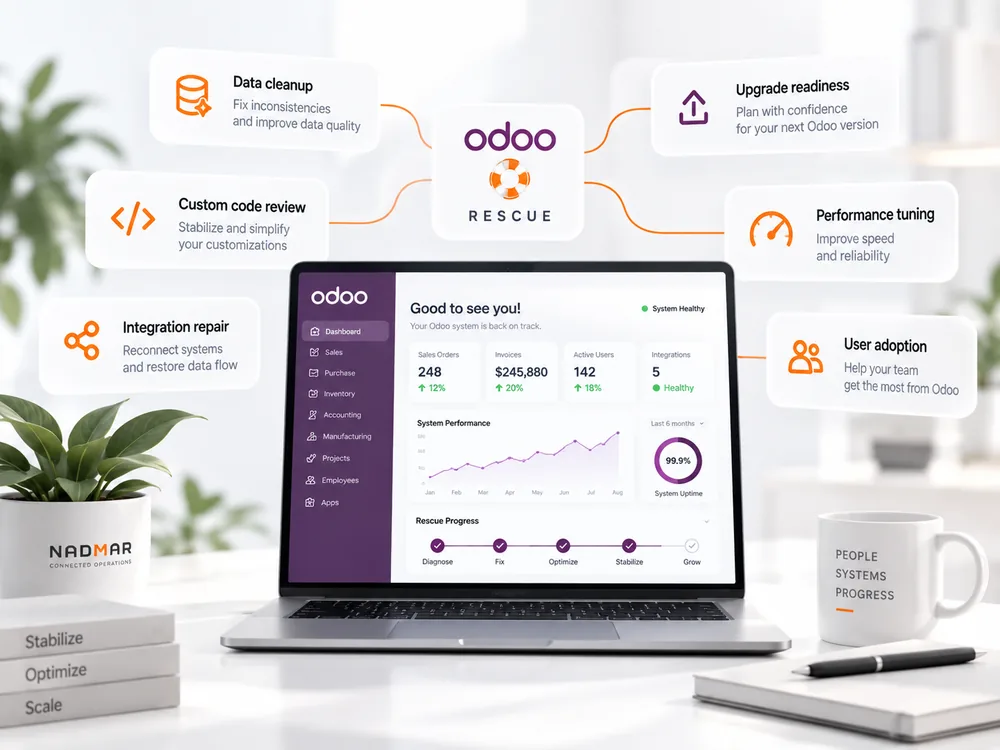
We diagnose broken workflows, custom-code risk, data problems, failed integrations and upgrade blockers, then build a practical recovery path.
30 minutes · No rebuild pitch · Diagnose first, then decide what is worth changing.
In plain language
We review the workflows users actually follow, configuration, custom code, data, integrations and upgrade constraints, then separate symptoms from root causes before recommending change.
Recognize the pattern
The warning sign is not simply bugs. It is that the business has stopped trusting Odoo as the normal place to complete the work.
Key workflows moved back outside Odoo because the implemented process does not work well enough.
Employees delay updates, enter minimum data or use side channels because screens and workflows create friction.
Changes solved short-term requirements but now make maintenance, testing or upgrades increasingly risky.
Duplicates, inconsistent master data or incomplete transactions make reports unreliable.
Accounting, ecommerce, payments, portals or external services fail unpredictably or require manual reconciliation.
The business stays on an old version because nobody is confident what will break if the environment changes.
Before → after
The goal is not cosmetic cleanup. It is to simplify configuration, custom code and integrations around the workflows the business genuinely needs.
The ERP becomes one system among several workarounds. Users compensate manually and management loses confidence in the data.
Configuration, custom code and integrations are simplified around the workflows the business genuinely needs, with a clear ownership and upgrade path.
What you get
We reduce uncertainty first, so recovery work is based on evidence rather than another round of patches.
A business-and-technical view of the workflows, configuration, data, customizations and integrations creating the current problems.
Clear recommendations on which existing components are sound, which need redesign and which are creating more cost than value.
A prioritized plan for stabilization, data cleanup, configuration, integration repair, custom-code reduction and adoption.
A practical route for future versions, testing, documentation and ongoing responsibility so the environment does not drift back into the same condition.
Questions buyers ask
Answers on replacement, custom modules, upgrades and what we need to review the environment.
Before more Odoo customization
If the problem reaches beyond one workflow, the Business Systems Blueprint can define the future state and priorities before more money is committed.
Next step
Show us the live issues, workarounds and upgrade concerns. We will help separate root causes from symptoms and identify the safest next step.
Book a Systems Review ↗Free 30-minute review · No presentation needed · 30-minute Zoom call available