Fragmented customer data
Customer information lives in spreadsheets, email, and separate legacy systems, making it difficult to get a single view of each client.
 Book a Systems Review ↗
CRM & Customer Operations
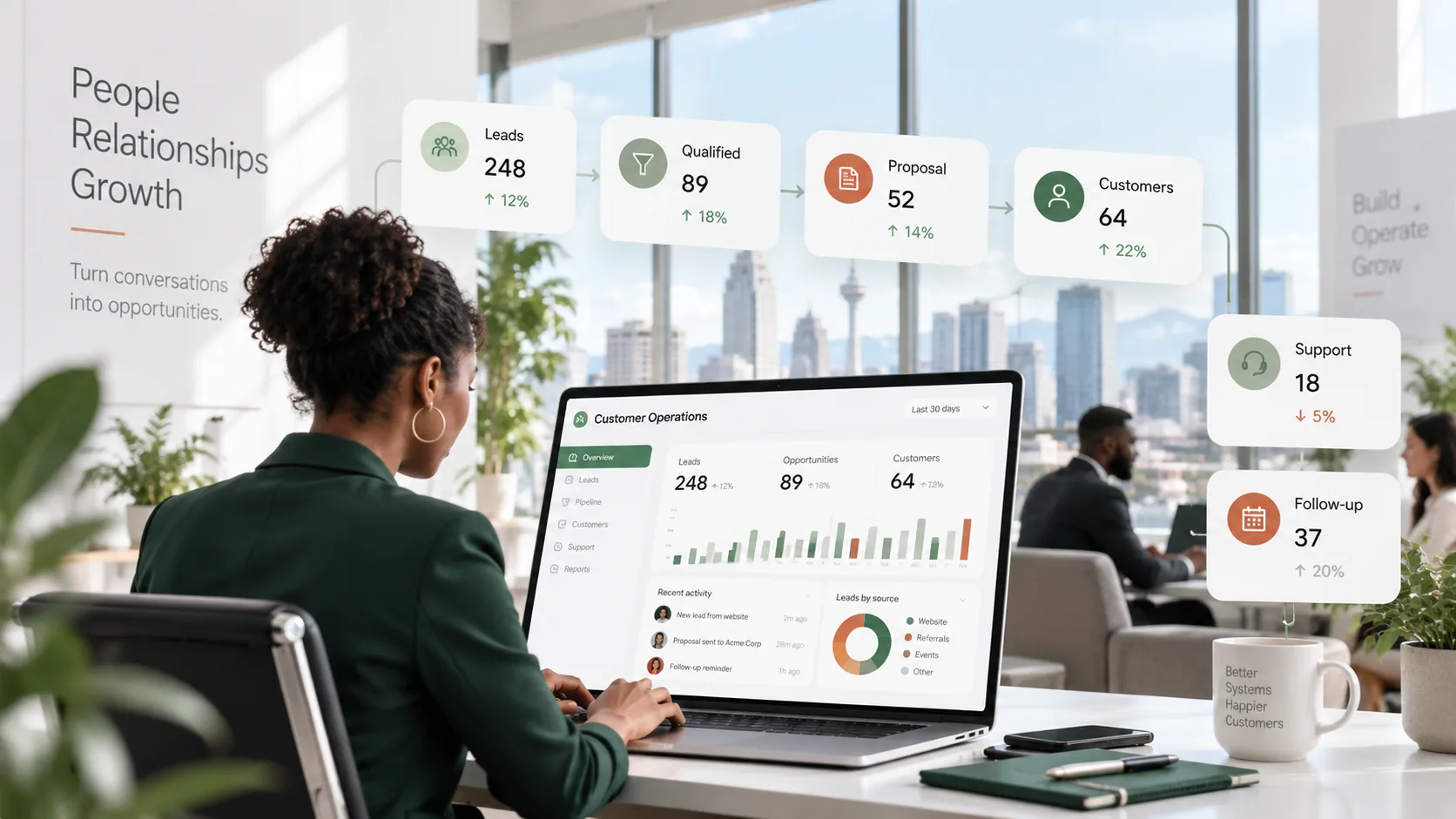
Connect lead capture, sales follow-up, service requests, ownership and reporting so customer context does not disappear between people or systems.
In practical terms
A useful CRM is more than a contact list. It should show who owns the relationship, what happened last, what needs to happen next and which exceptions need attention.
Where it helps
Customer information lives in spreadsheets, email, and separate legacy systems, making it difficult to get a single view of each client.
Sales, support, and finance teams exchange records by hand, leading to missed steps and rework.
Different reps follow ad‑hoc procedures, resulting in variable data quality and unpredictable revenue forecasting.
Without a central log, managers cannot track the status of opportunities, service tickets, or follow‑up actions.
What the engagement can produce
A consolidated schema that defines customers, contacts, accounts, and related transactions across all systems.
Configured rules that route leads, approvals, and service requests without manual intervention.
Email, phone, and chat logs are captured automatically in the CRM record for a complete interaction history.
Standard and custom reports that surface pipeline health, service metrics, and control checkpoints.
The method
Workshops with sales, support, finance and IT to capture end‑to‑end workflows, rules, handoffs, exceptions and permission structures.
Translate the workflow map into a solution blueprint that identifies configuration, integration, and any custom development needed.
Implement the blueprint using the chosen CRM platform, connect to ERP, payment or communication systems, and develop missing components.
Run scenario testing, train end users, and hand over documentation that ties the system back to the original process map.
Related thinking
Questions
Not necessarily. We first evaluate whether your current system can be re‑configured to match the documented process. Replacement is considered only when gaps cannot be closed with configuration or modest extensions.
Data migration follows the same workflow map used for the new system. We extract, cleanse, transform, and load records into the unified data model, then validate with business owners.
We provide a hand‑over package that includes process documentation, training materials, and a limited period of post‑implementation assistance to address any gaps identified during early use.
Calgary · Canada · North America
We will trace the customer record from first enquiry through service and identify the handoffs, rules and systems that need to change.
Book a Systems Review ↗