NadmaaTechnologies

Spreadsheet to software

Replace manual work with a flow the business can trust.

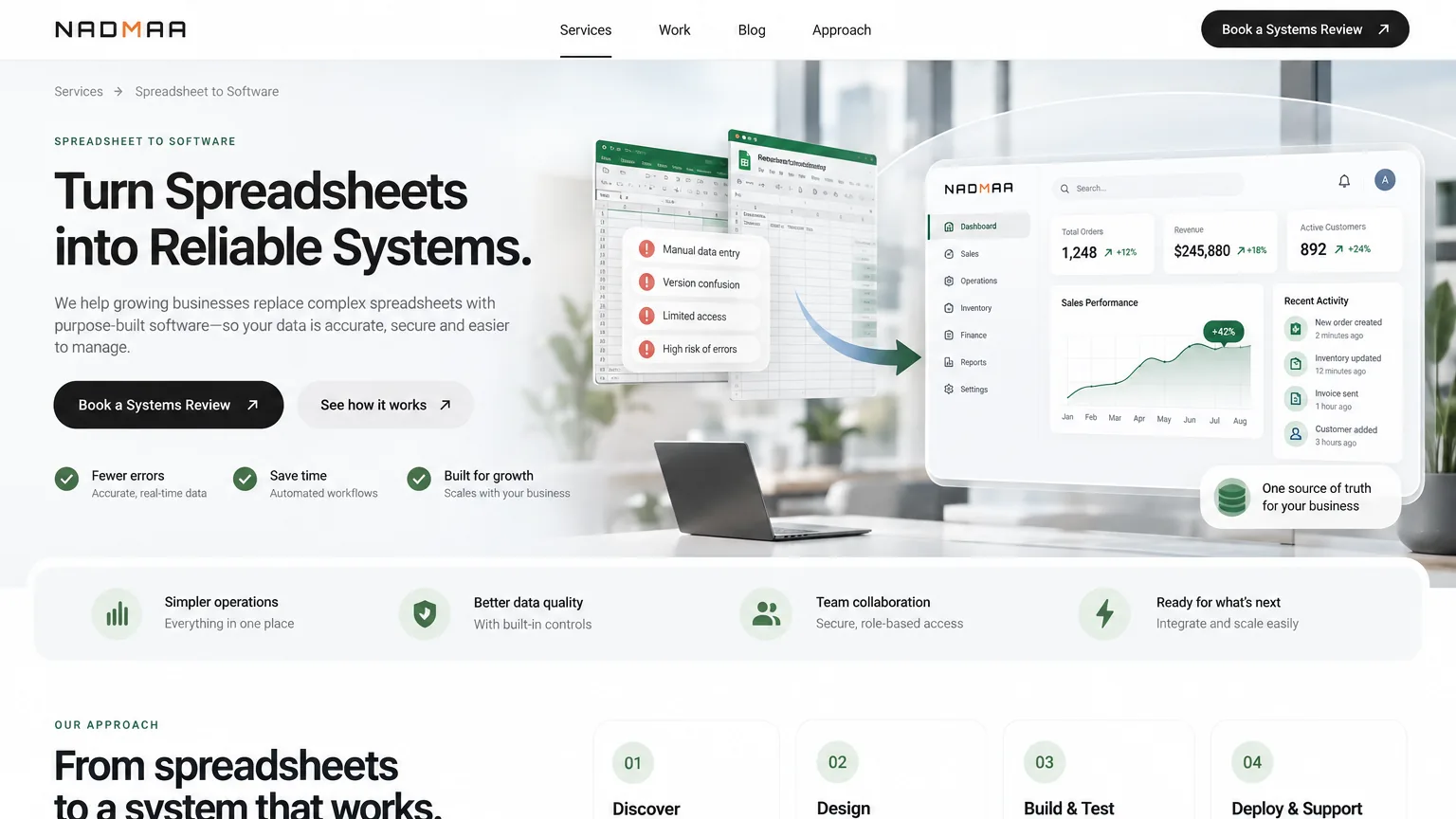
Nadmaa turns spreadsheet-led processes, repeated entry, and approval chasing into connected workflow software—with clear ownership, live reporting, and control built in.

Process mappingAutomationDashboards

What the engagement covers

From fragile to dependable
Workflow audit Sheet logic, users, approvals, exceptions, reporting, and risk.

We first identify what the spreadsheet is really doing, where decisions leak into side channels, and what the business cannot afford to lose.

Replacement blueprint Workflow states, ownership, data structure, approvals, and controls.

The process is redesigned as governed software rather than recreated as the same spreadsheet in a shinier interface.

Build and rollout Automation, dashboards, permissions, notifications, and adoption support.

The new system is implemented with the controls and visibility needed for real usage, not just technical completion.

Continuity Portal, mobile, ERP, and reporting layers where the workflow needs them.

If the process needs more than one interface, we shape the broader system around the same operating logic instead of creating new silos.

Best fit

Businesses where critical processes still depend on shared files, email approvals, manual calculations, or a few people who know how the spreadsheet really works.

Trusted by teams doing serious work

Lagos Business SchoolMint Microfinance BankKathairos SolutionsFejudam Maritime ServicesShoreline Support Consult

What we change

One workflow. Clear ownership. Live visibility.

We uncover the process hiding behind the spreadsheet, redesign it, and build the right combination of workflow, automation, reporting, and access.

Workflow engine

The spreadsheet logic becomes structured requests, approvals, stages, ownership rules, validations, and audit trail so the process stops depending on human memory.

Automation layer

Notifications, escalations, calculations, and follow-up rules are built into the system, which reduces chasing and keeps the next action clearer for everyone involved.

Operational reporting

Dashboards and reports are designed into the process so leadership gets live visibility instead of waiting for someone to manually assemble answers from multiple files.

Right access layer

Where needed, the replacement includes admin tools, portals, or mobile access so the workflow works where users actually operate instead of only inside a desktop spreadsheet.

When it pays off

The warning signs are usually already visible.

If one file, one formula, or one person can stop the process, the operation has outgrown its current system.

Version control and human error create operational risk

When multiple files circulate, formulas drift, or copy-paste steps carry real business consequences, the process is already too fragile for the level of responsibility it holds.

Approvals and exceptions are leaking into side channels

Spreadsheets rarely handle audit trail, responsibility, escalation, and status movement well, so the real workflow ends up scattered across chats, calls, and inboxes.

Leadership does not have live visibility

If reporting only appears after someone cleans data manually, the business is making decisions from delayed information instead of an accurate operating picture.

Growth is exposing dependency on a few power users

As volume, users, and exceptions increase, spreadsheet-led operations create more bottlenecks, more mistakes, and more risk concentrated in the heads of a few people.

How we deliver

We replace the process—not merely the spreadsheet.

That distinction creates a cleaner system, stronger controls, and an adoption path that works in the real operation.

Workflow audit before build

We map what the sheet is really doing, who touches it, where exceptions happen, what gets chased manually, and what reporting the business actually depends on.

Right system shape

Some replacements need a workflow app, some need an ERP component, some need a portal or mobile layer as well. We define the right combination instead of forcing one pattern onto every process.

Governance built into rollout

Permissions, ownership, dashboards, notifications, validations, and edge cases are part of delivery, so the replacement is stronger operationally and easier to trust.

Operational empathy, not just software translation

We stay focused on what users are trying to get done every day, which makes the replacement more adoptable than a purely technical rebuild of the old file.

Common questions

Workflow automation FAQs

Answers for teams deciding whether a spreadsheet-led process is ready for governed software.

Which process should we automate first?

Start where manual work creates repeated delay, error, unclear ownership, or poor visibility. A high-volume process with clear rules and measurable friction is usually a stronger first candidate than a broad transformation project.

Do we need to replace every spreadsheet?

No. Spreadsheets remain useful for analysis and lightweight planning. Replacement is most valuable when a sheet has become the live system for approvals, customer records, transactions, workflow states, or reporting that others depend on.

Will the new system work with our existing tools?

That is assessed early. The right solution may integrate with an ERP, CRM, accounting platform, or email workflow so teams do not have to re-enter data or maintain competing sources of truth.

How do we avoid automating a broken process?

Map the current workflow first: inputs, decisions, exceptions, owners, and required reports. Nadmaa uses that work to simplify the process before deciding which rules, validations, notifications, and handoffs should be automated.

Replacement brief

Show us the process everyone has learned to work around.

Share the spreadsheet and the friction behind it. We will help you see what should be automated, governed, and made visible.

No sales theatre. You will speak with the people who shape the work.