Manual handoffs cause delays
Tasks are passed by email or paper, leading to missed steps and long cycle times.
 Book a Systems Review ↗
Business Process Automation
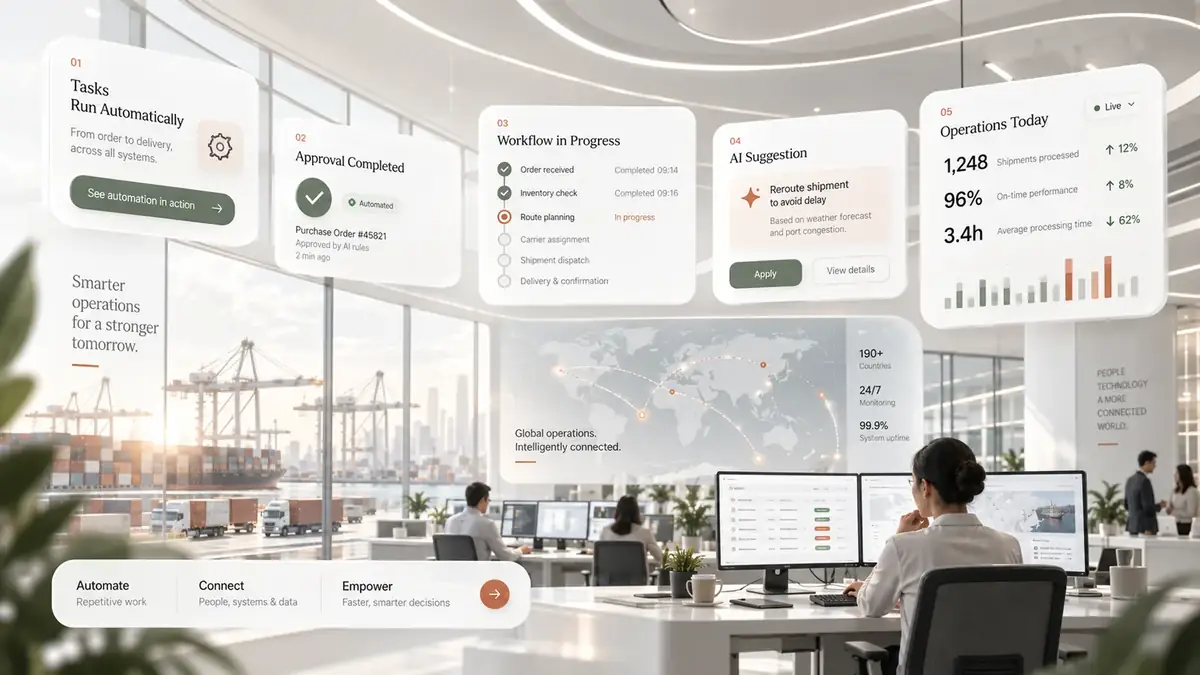
Remove copy-paste steps, routine routing and avoidable follow-up while keeping approvals, thresholds and exception handling visible to the people accountable for them.
In practical terms
The aim is not to automate every click. It is to identify stable rules, move information automatically and make the moments that still require judgement easier to see and act on.
Where it helps
Tasks are passed by email or paper, leading to missed steps and long cycle times.
Duplicate entry points create errors and require costly reconciliation.
When a rule is broken, there is no defined path, resulting in bottlenecks.
Stakeholders cannot track progress or measure efficiency because data is siloed.
What the engagement can produce
A visual and textual representation of every step, rule, handoff, and exception.
Blueprints showing how existing applications will be connected to support the flow.
Implemented business rules within the chosen platform to drive decisions automatically.
Small, purpose‑built components that fill functional gaps not covered by off‑the‑shelf software.
The method
Work with stakeholders to capture current processes, data structures, and exception scenarios.
Define the optimal mix of configuration, integration, and custom development to meet the mapped requirements.
Configure systems, build connectors, develop extensions, and validate end‑to‑end flow with real users.
Train users, hand over documentation, and monitor the automated process for continuous improvement.
Related thinking
Questions
We compare the effort required to adapt existing functionality against the cost of building a new component. If the platform can meet the rule set with reasonable configuration, we choose that path; otherwise we develop a focused extension.
Any system that offers an API or supports standard integration methods (REST, SOAP, ODBC, file‑based exchange) can be linked. We have experience connecting ERP, CRM, payment gateways and industry‑specific tools.
The goal is to keep the user experience familiar. We configure existing interfaces where possible and provide concise training on any new screens or steps introduced by the automation.
Calgary · Canada · North America
We will separate rules from judgement, map the exceptions and show where automation can remove work without creating a black box.
Book a Systems Review ↗